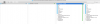
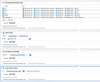
I get a redundancy that I don't want, see attached screenshot. There should only be one folder with the current date and time and then only the backup files in in. How do I fix it?
Sorry, but I don't have much experience with Automator/AppleScript.
-Are you trying to keep multiple (by date) backups of your MAMP setup in Dropbox, instead of a latest backup that replaces the previous...i.e. like Time Machine?
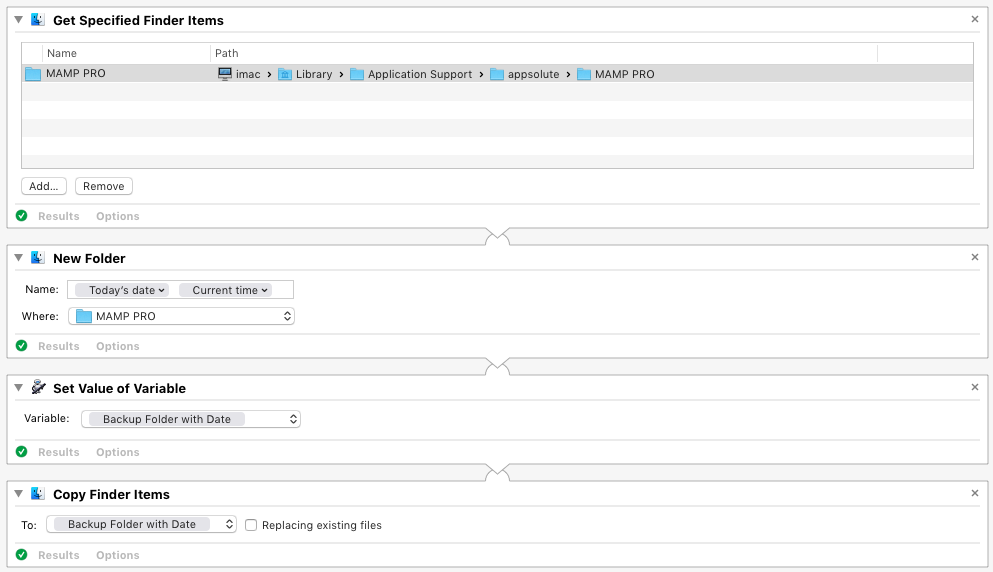
-Wouldn't it be easier to run the script on the MAMP PRO folder, instead of using the Get Specified Finder Items command on each individual folder?
I downloaded your Automator script, changed it to just the MAMP PRO folder, changed the output to a MAMP PRO folder in my iCloud Drive and ran it multiple times. It worked as expected:
Try removing all the individual folders and use the folder show above. Let us know if that works for you.